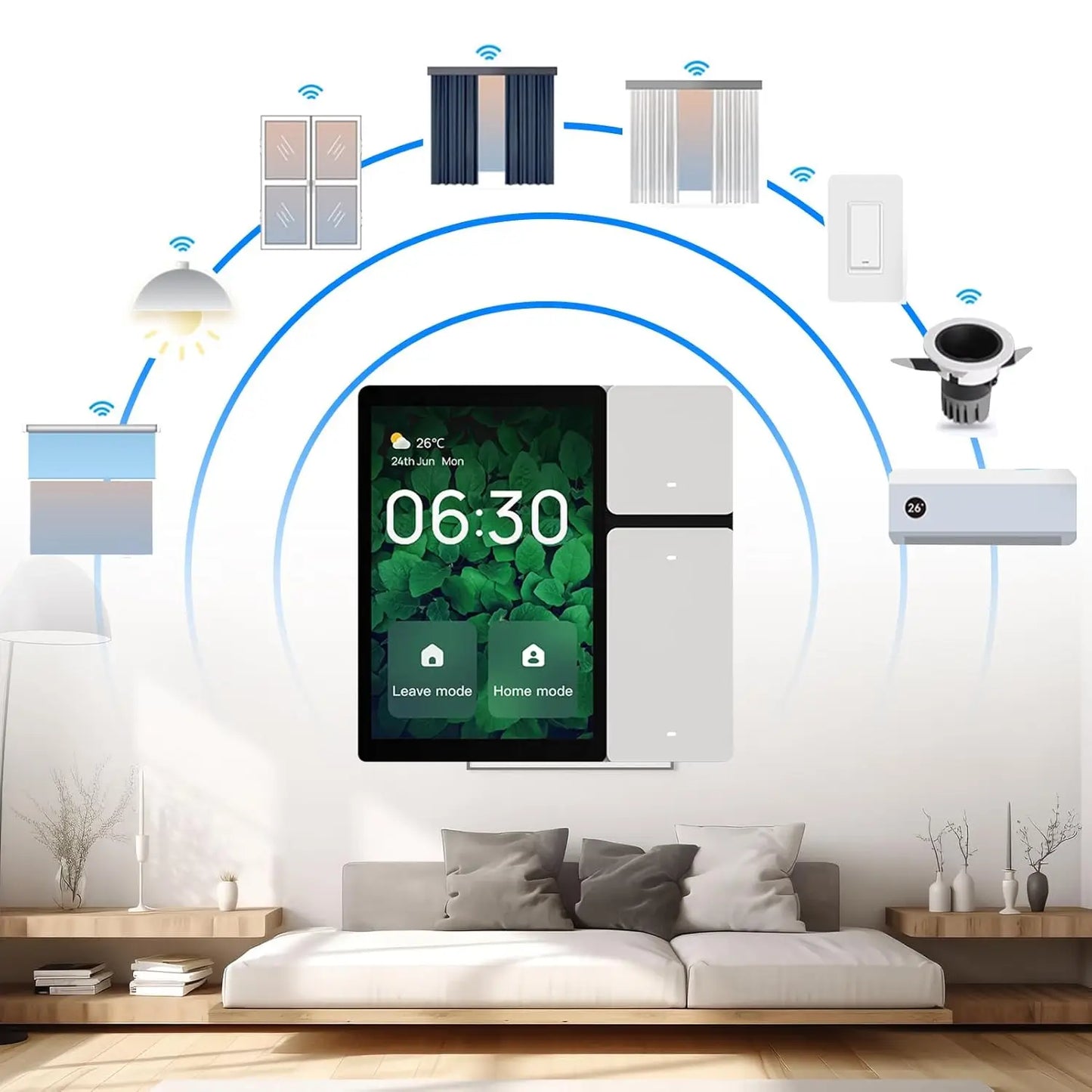
An Easy Step-by-Step Guide to Setting Up Your Smart Home
Share
Setting up a smart home no longer requires deep technical knowledge or a massive budget. In fact, most modern smart home systems are designed to be approachable, flexible, and easy to expand over time. The key is knowing where to start, what to prioritize, and how to build gradually so your smart home feels helpful instead of overwhelming.
This guide breaks the process down step by step, using short explanations followed by simple bullet points where they add clarity — not clutter.
Step 1: Choose the Right Smart Home Ecosystem First
Before buying any devices, it’s important to choose a smart home ecosystem. This is the platform that allows all your devices to talk to each other and respond to voice commands or automations.
Most beginners choose between three major ecosystems, and each has its strengths depending on your preferences and devices.
-
Amazon Alexa offers wide compatibility and is often the easiest starting point.
-
Google Home integrates seamlessly with Android devices and Google services.
-
Apple HomeKit focuses heavily on privacy and works best for Apple users.
Choosing one ecosystem early helps avoid compatibility issues and keeps setup simple as you add more devices later.
Step 2: Set Up a Smart Speaker or Central Hub
Once you’ve chosen your ecosystem, the next step is setting up a smart speaker or hub. This acts as the central control point for your smart home and makes managing devices far more intuitive.
A smart speaker or display allows you to:
-
Control devices with voice commands
-
Trigger routines and automations
-
Manage everything from a single app
Even if you plan to control most things from your phone, having a hub brings everything together and makes your smart home feel cohesive rather than fragmented.
Step 3: Make Sure Your Wi-Fi Is Ready
Smart homes rely heavily on Wi-Fi, so it’s worth making sure your network can handle multiple connected devices. If your Wi-Fi is unstable, smart devices may disconnect or respond slowly, which quickly becomes frustrating.
Before adding devices, consider:
-
Whether your Wi-Fi reaches every room reliably
-
If your router struggles with streaming or video calls
-
Whether a mesh Wi-Fi system might improve coverage
Strong, reliable Wi-Fi is one of the most overlooked parts of a successful smart home.
Step 4: Start With Smart Lighting for Instant Impact
Smart lighting is often the best place to start because it’s easy to install and delivers immediate results. Even adding just one or two smart bulbs or plugs can change how your home feels.
With smart lighting, you can:
-
Turn lights on or off with your voice
-
Schedule lights to match your routine
-
Create scenes like “Movie Night” or “Good Morning”
-
Control lights remotely when you’re away
This step alone often convinces people that a smart home is worth it.
Step 5: Use Smart Plugs to Expand Without Replacing Devices
Smart plugs are one of the most versatile smart home tools. They allow you to automate everyday devices you already own, without replacing them.
Smart plugs are commonly used for:
-
Lamps and accent lighting
-
Coffee makers and kettles
-
Fans or space heaters
-
Holiday lights or decorative displays
Because they’re affordable and easy to use, smart plugs are a great way to grow your smart home gradually.
Step 6: Add Smart Security at Your Own Pace
You don’t need to install a full smart security system right away. Many homeowners start with a single device and build from there as they become more comfortable.
Beginner-friendly smart security options include:
-
Smart doorbells
-
Indoor cameras
-
Outdoor cameras
-
Motion sensors
Adding security slowly lets you learn how alerts, notifications, and privacy settings work before expanding further.
Step 7: Create Simple Automations
Automations are where a smart home truly starts to feel intelligent. Instead of manually controlling everything, you can set up routines that trigger automatically based on time, motion, or voice commands.
Some easy beginner automations include:
-
Turning lights on at sunset
-
Turning everything off at bedtime
-
Activating hallway lights when motion is detected
-
Starting a morning routine with lights and music
Starting small keeps automations helpful rather than overwhelming.
Step 8: Improve Comfort With Smart Climate Control
Smart thermostats and climate devices help regulate your home’s temperature more efficiently while giving you remote control from your phone.
Benefits of smart climate control include:
-
Automatic adjustments based on your schedule
-
Energy savings over time
-
Remote access when traveling
-
Integration with voice assistants
This is one of the smart home upgrades that offers both comfort and long-term value.
Step 9: Organize Devices as You Go
As you add more devices, organization becomes essential. Clear naming and grouping prevent confusion and make voice commands more reliable.
Good organization habits include:
-
Naming devices by room and function
-
Grouping devices logically in the app
-
Keeping routines clearly labeled
Spending a few minutes organizing now can save a lot of frustration later.
Step 10: Secure Your Smart Home
Smart homes are connected homes, which means basic digital security matters. Taking a few simple precautions helps protect your devices and your data.
At a minimum, you should:
-
Use strong, unique passwords
-
Enable two-factor authentication
-
Keep device firmware updated
-
Avoid using public Wi-Fi during setup
These small steps go a long way toward keeping your smart home safe.
Final Thoughts: Build a Smart Home That Fits Your Life
The best smart home isn’t the one with the most gadgets — it’s the one that works quietly in the background and makes daily life easier. By starting with a solid foundation, adding devices gradually, and focusing on practical use cases, you can build a smart home that feels natural rather than complicated.
Take it one step at a time, and your smart home will grow with you.
FAQs
What is a smart home?
A smart home is a residence that uses internet-connected devices to enable remote management and monitoring of systems and appliances, providing convenience, efficiency, and enhanced security.
What do I need to set up a smart home?
To set up a smart home, you'll need a reliable Wi-Fi network, a smart hub (if needed), and various smart devices like smart bulbs, thermostats, cameras, or speakers that are compatible with your hub or can connect directly to Wi-Fi.
How do I choose the right smart devices for my home?
Consider your needs, budget, and compatibility with existing devices. Research different brands and read reviews to find reliable products that integrate well with each other and your home’s systems.
Can I control my smart devices remotely?
Yes, most smart devices come with companion apps that allow you to control them from anywhere using your smartphone or tablet, provided you have internet access.
Is it difficult to install smart home devices?
Installation varies by device, but many smart home products are designed for easy DIY setup. However, some may require professional installation, especially if they involve electrical work.
How do I ensure my smart home is secure?
To keep your smart home secure, use strong, unique passwords for your devices and accounts, enable two-factor authentication if available, and keep your device firmware updated to protect against vulnerabilities.
Can I integrate different brands of smart devices?
Yes, many smart home devices can work together if they are compatible with common platforms like Amazon Alexa, Google Assistant, or Apple HomeKit. Check the specifications before purchasing.
What are some common smart home automations I can set up?
Common automations include setting lights to turn on at sunset, adjusting the thermostat based on your location, or creating a schedule for smart coffee makers and appliances.
What if my smart home devices stop working?
First, check your Wi-Fi connection and restart the devices. You can also consult the product’s manual or the manufacturer’s website for troubleshooting tips. If issues persist, consider reaching out to customer support.