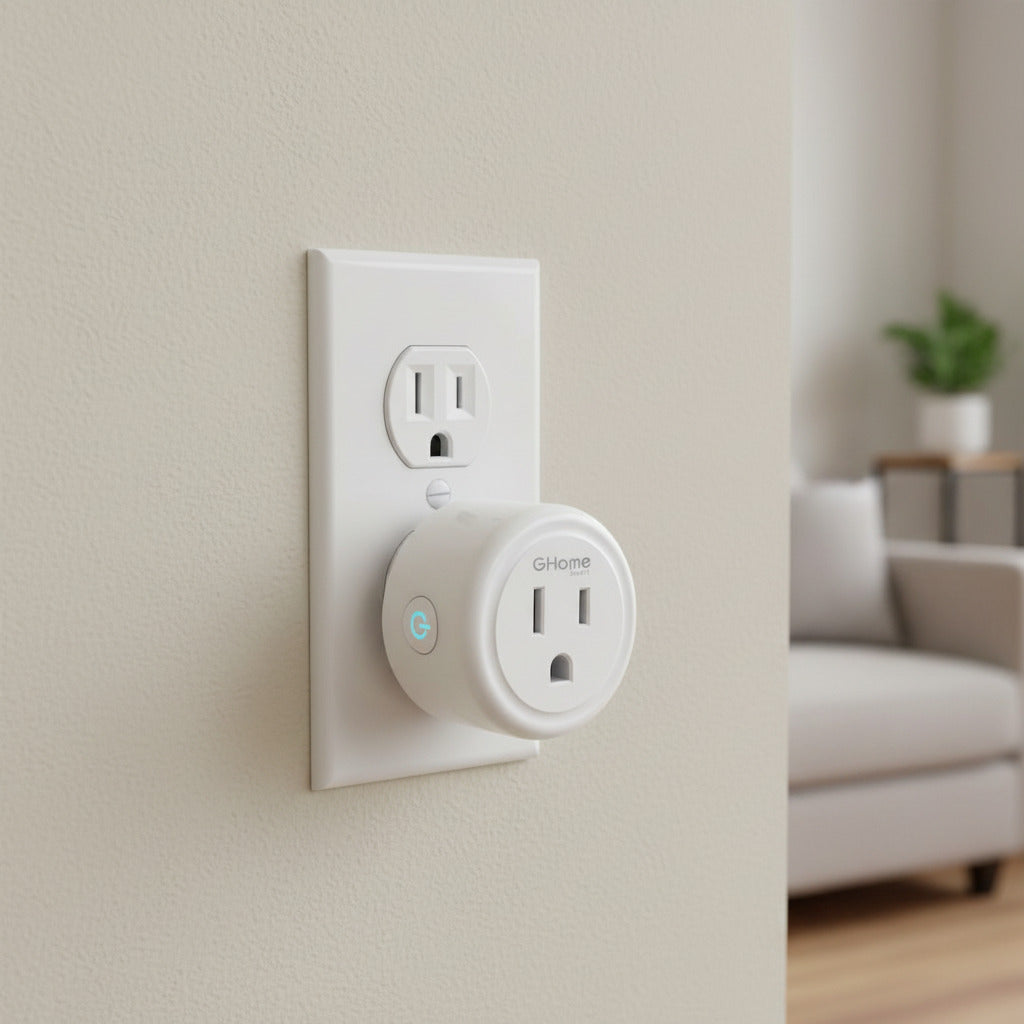
Top 7 Budget-Friendly Smart Home Automation Starter Kits
Smart home automation used to sound like something reserved for luxury homes and Silicon Valley early adopters. Fast forward to today, and you can automate lights, locks, thermostats, and even routines for less than the cost of a fancy dinner. The key is starting with the right starter kit —one that gives you flexibility, ease of setup, and room to grow without blowing your budget.
Whether you’re dipping your toes into smart tech or looking for a practical gift, this guide breaks down the top 7 budget-friendly smart home automation starter kits that deliver real value. Each option includes descriptions, ideal use cases, and tips to help you get the most out of your setup.
Why Start With a Smart Home Starter Kit?
Before diving into the kits themselves, it’s worth understanding why starter kits are the smartest entry point:
-
Lower upfront cost than buying devices individually
-
Guaranteed compatibility between included devices
-
Simpler setup for beginners
-
Expandable ecosystems you can build on later
Starter kits eliminate guesswork and help you avoid the frustration of mixing incompatible smart devices.
1. Amazon Echo Smart Home Starter Kit
What It Includes
Typically bundles an Echo smart speaker with smart bulbs and sometimes a smart plug .
Why It’s Budget-Friendly
Amazon frequently discounts Echo bundles, making this one of the cheapest ways to start automating your home.
Best Use Cases
-
Voice-controlled lighting
-
Simple routines like “Good Morning” or “Movie Night”
-
Hands-free timers, reminders, and music
Tips for Getting the Most Out of It
-
Create routines that trigger multiple actions with one command
-
Use smart plugs to automate non-smart appliances like lamps or coffee makers
-
Enable Alexa Skills to expand functionality without buying new hardware
Why it stands out: Alexa’s massive ecosystem means you’ll never feel boxed in as your smart home grows.

Smart Home Starter Kit | Includes Echo Hub, Amazon Smart Plug and 4 Amazon Basics Smart Bulbs, with Alexa+ Early Access
2. Google Nest Smart Home Starter Kit
What It Includes
Usually features a Nest Mini speaker paired with smart bulbs or plugs.
Why It’s Budget-Friendly
Google Nest Mini bundles are affordable and often go on sale, especially during holidays.
Best Use Cases
-
Voice-controlled lights and plugs
-
Smart scheduling based on time or routines
-
Integration with Android phones and Google services
Tips for Getting the Most Out of It
-
Use Google Home app automations for sunrise/sunset lighting
-
Link calendars to trigger reminders and routines
-
Combine with Chromecast for voice-controlled entertainment
Why it stands out: Google Assistant excels at natural language commands and smart scheduling.
Starter Kit: Philips Hue A19 75W Smart LED Starter Kit
For a lighting upgrade that doubles as your first step into smart surveillance automation, this Philips Hue starter set brings not only smart bulbs but also connected sensors into your space. The included bulbs deliver versatile white and color light, while the Hue Bridge connects everything and unlocks automation features through the Philips Hue app.
What It Includes
-
Two A19 Hue smart LED bulbs (E26 base)
-
Philips Hue Bridge to connect and control all lights
-
Smart contact sensors for doors/windows
-
(Often paired with a wired security camera — see product bundle specification)
This means you’re not just automating lights — you’re starting a foundation for a smarter, sensor-aware home that reacts to motion or entry.
Why It’s Budget-Friendly
While Hue starter kits with Bridge and color bulbs can sometimes be pricey, this Secure bundle adds sensors that would otherwise cost extra, delivering more automation potential per dollar . It’s an investment in lighting and basic smart security without having to purchase each component separately.
Best Use Cases
-
Dynamic lighting control: Adjust brightness and ambiance to match any mood or event.
-
Routine triggers: Use contact sensors to turn on lights when a door opens.
-
Energy savings: Lights only run when you need them — based on sensor activity.
-
Basic smart security: Get alerts when a contact sensor detects movement or an opened door.
Tips for Getting the Most Out of It
✔ Automate with routines: In the Philips Hue app, set your lights to come on at sunset or when a sensor is triggered — perfect for evenings or home arrival scenarios.
✔ Pair with voice assistants: Connect with Alexa, Google Assistant, or Siri for hands-free control.
✔ Group rooms: Create “zones” so multiple lights respond together with a single command.
✔ Combine sensors and lights: Use contact sensors to automatically switch on lights in hallways or porches when doors open after dark.
Why it stands out: This kit doesn’t just give you smart lights — it introduces basic automation triggers (sensors) for a more responsive smart home system.
4. TP-Link Kasa Smart Home Starter Kit
What It Includes
Smart plugs or smart bulbs depending on the bundle.
Why It’s Budget-Friendly
Kasa devices don’t require a hub, keeping costs low and setup simple.
Best Use Cases
-
Apartment-friendly automation
-
Energy monitoring
-
Automating lamps, fans, and small appliances
Tips for Getting the Most Out of It
-
Use energy monitoring to identify power-hungry devices
-
Create schedules instead of leaving devices on all day
-
Combine plugs and bulbs for layered automation
Why it stands out: Excellent value with no subscription fees.
5. Wyze Smart Home Starter Kit
What It Includes
Often bundles smart plugs, bulbs, cameras, or sensors.
Why It’s Budget-Friendly
Wyze is known for aggressive pricing without sacrificing essential features.
Best Use Cases
-
Entry-level smart security
-
Automating small spaces
-
Budget-conscious renters
Tips for Getting the Most Out of It
-
Use motion detection to trigger lights
-
Set notifications selectively to avoid alert fatigue
-
Combine cameras with plugs for visual confirmation
Why it stands out: You get automation and security for a fraction of the usual cost.
6. Ring Alarm Smart Home Starter Kit
What It Includes
Base station, keypad, motion sensor, and contact sensors.
Why It’s Budget-Friendly
Often discounted and expandable without replacing the core system.
Best Use Cases
-
Smart home security
-
Door and window monitoring
-
Integration with Alexa
Tips for Getting the Most Out of It
-
Place motion sensors strategically to reduce false alerts
-
Combine with smart lighting for deterrence
-
Use self-monitoring to avoid monthly fees
Why it stands out: Security-focused automation that scales affordably.
7. Aqara Smart Home Starter Kit
What It Includes
Hub, motion sensors, door/window sensors, and sometimes smart buttons.
Why It’s Budget-Friendly
Offers Zigbee-based automation at a lower price than many competitors.
Best Use Cases
-
Advanced automation logic
-
Sensor-based routines
-
Apple HomeKit users
Tips for Getting the Most Out of It
-
Use sensors to automate lights instead of voice commands
-
Create “if this, then that” routines for efficiency
-
Pair with HomeKit for privacy-focused automation
Why it stands out: Powerful automation at a surprisingly low price.
How to Choose the Right Starter Kit for Your Home
When picking a smart home starter kit, consider:
-
Voice assistant preference (Alexa, Google, or Apple)
-
Living situation (renters vs homeowners)
-
Primary goal (lighting, security, or convenience)
-
Future expansion plans
If you want simplicity, go with Echo or Nest. If you want reliability, Hue delivers. For pure value, Wyze and Kasa are hard to beat.
Common Beginner Mistakes to Avoid
-
Buying incompatible devices
-
Over-automating too quickly
-
Ignoring Wi-Fi limitations
-
Forgetting about privacy settings
Start small, automate one room at a time, and build routines gradually.
Final Thoughts: Smart Homes Don’t Have to Be Expensive
Smart home automation isn’t about turning your house into a sci-fi movie set—it’s about making everyday life easier . With the right budget-friendly starter kit, you can automate lights, improve security, and streamline routines without overspending.
These seven starter kits prove that you don’t need a massive budget to build a smart home that actually feels smart. Start simple, experiment, and expand only when it adds real value to your daily life.